


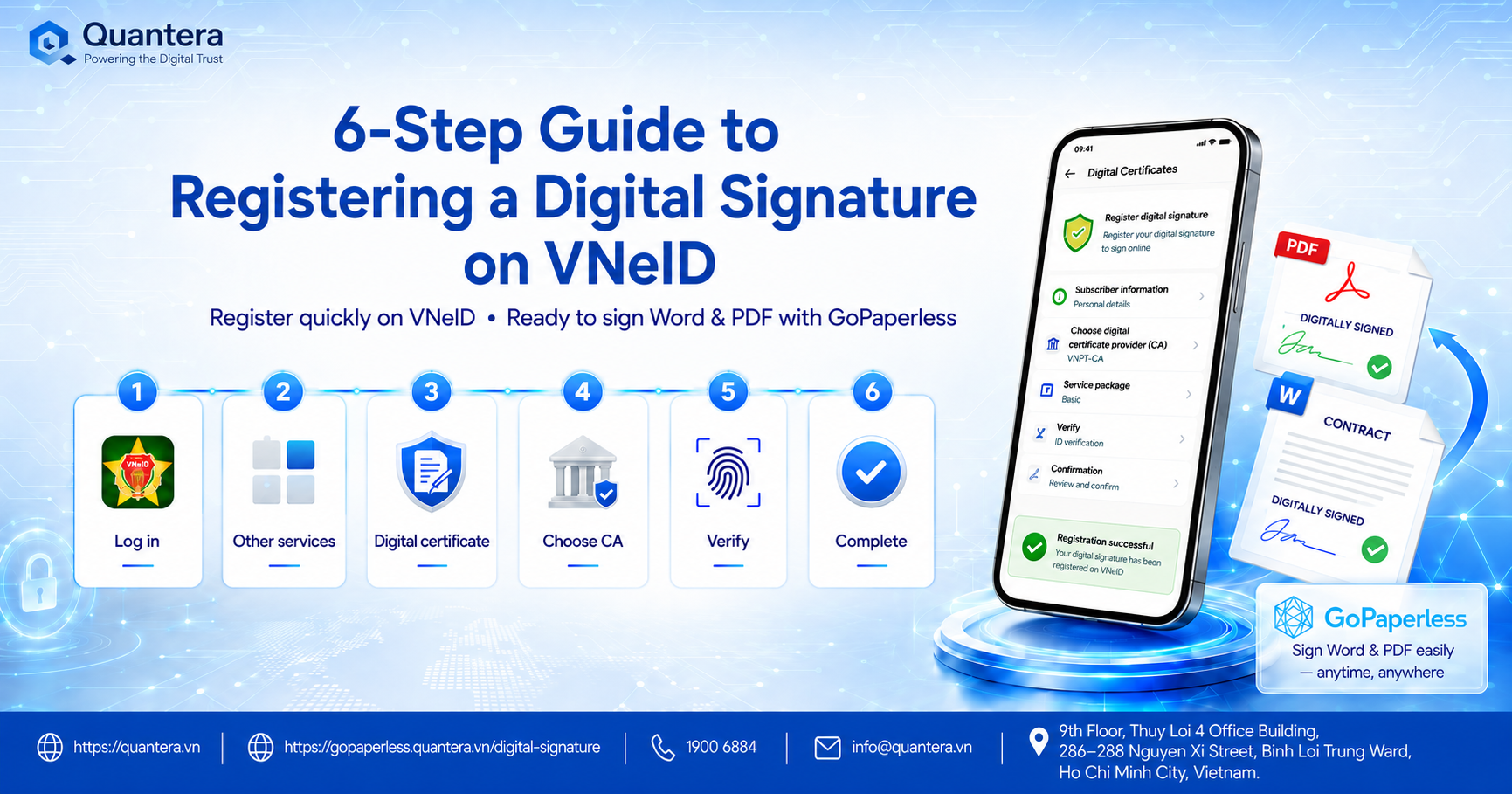
6-Step Guide to Quickly Registering a Digital Signature on VNeID for Users
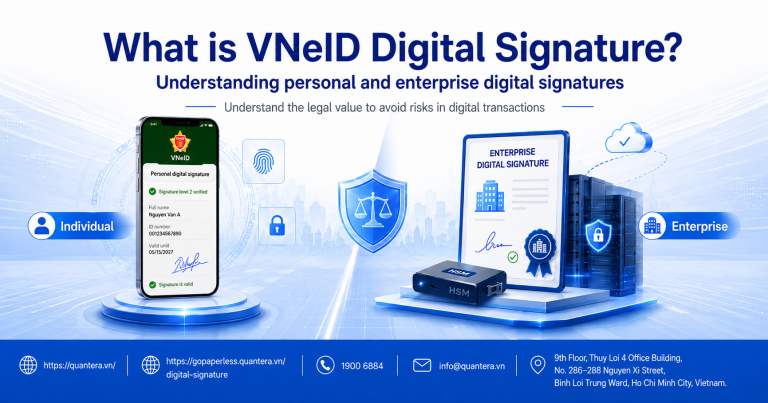
The integration of VNeID digital signatures directly into the national identity application marks a major step forward in the digitization of administrative procedures and electronic transactions for citizens. Instead of performing complex procedures at traditional transaction points, users can now own a legal digital certificate right on their mobile devices.
This article provides a detailed 6-step guide to registering a digital signature on VNeID, while also pointing out how to optimize this tool in a practical work environment with the support of the GoPaperless system. To transition smoothly from registering on the application to daily document signing operations, users need to master the exact process below.
1. Prerequisites Before Registering
In a modern work environment, possessing a Level 2 identity account not only serves public utility services but also opens up a robust personal authentication platform. You must ensure the following 3 factors before registering:
VNeID Account
Already possess a Level 2 electronic identity account on the VNeID application.
Device & Network
A smart mobile device with a stable network connection and the latest updated version of the VNeID app.
Financial Source
Prepare your personal information and linked bank account to pay the service fee of the digital certificate issuer (if applicable).
2. Detailed 6 Steps to Register a Digital Signature on VNeID
Step 1: Log in and authenticate your Level 2 account
Open the VNeID app on your phone, enter your passcode, or use biometrics to log into your Level 2 personal identity account.
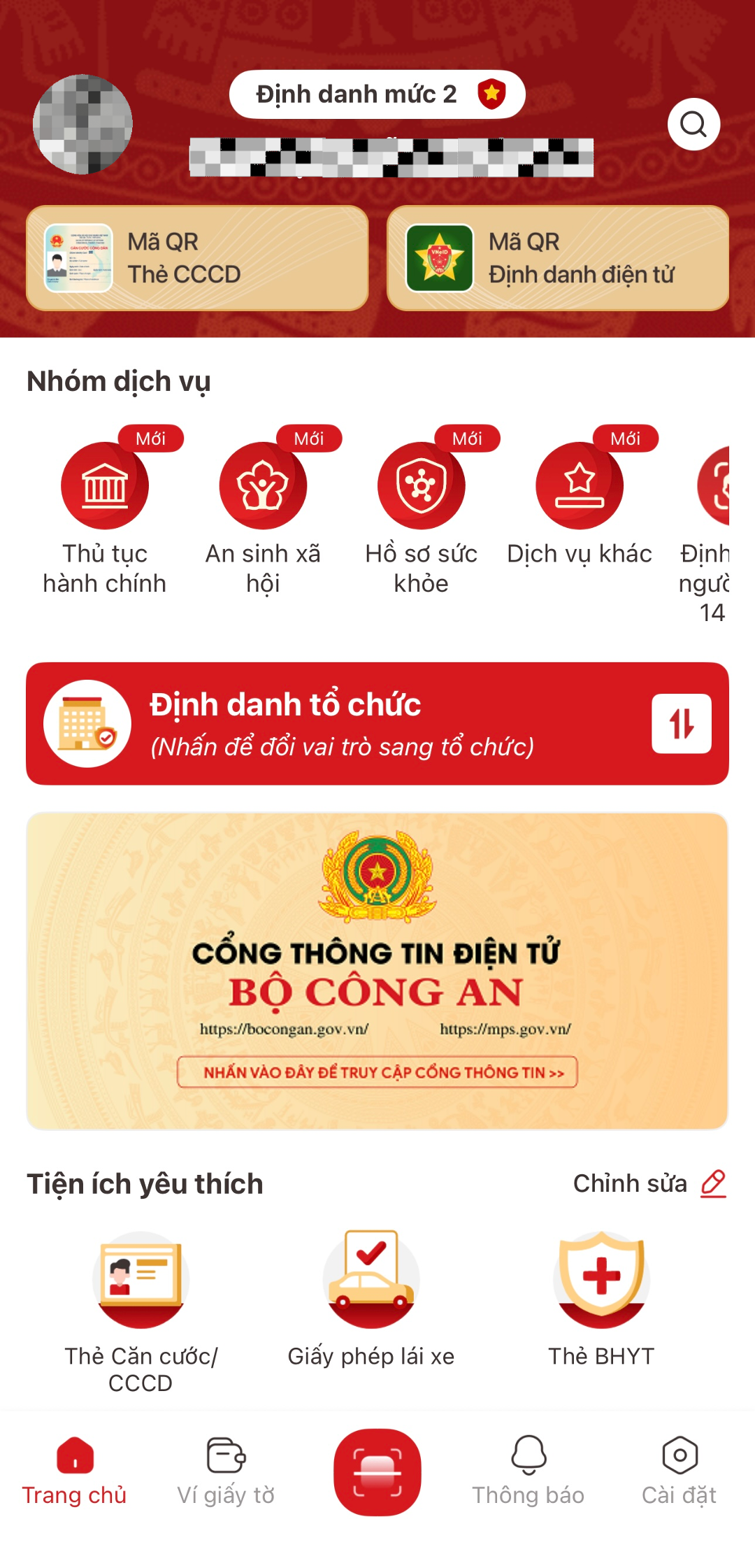
Step 2: Access the digital services section
On the app’s homepage interface, search for and select “Other services” (or the integrated online public services section).
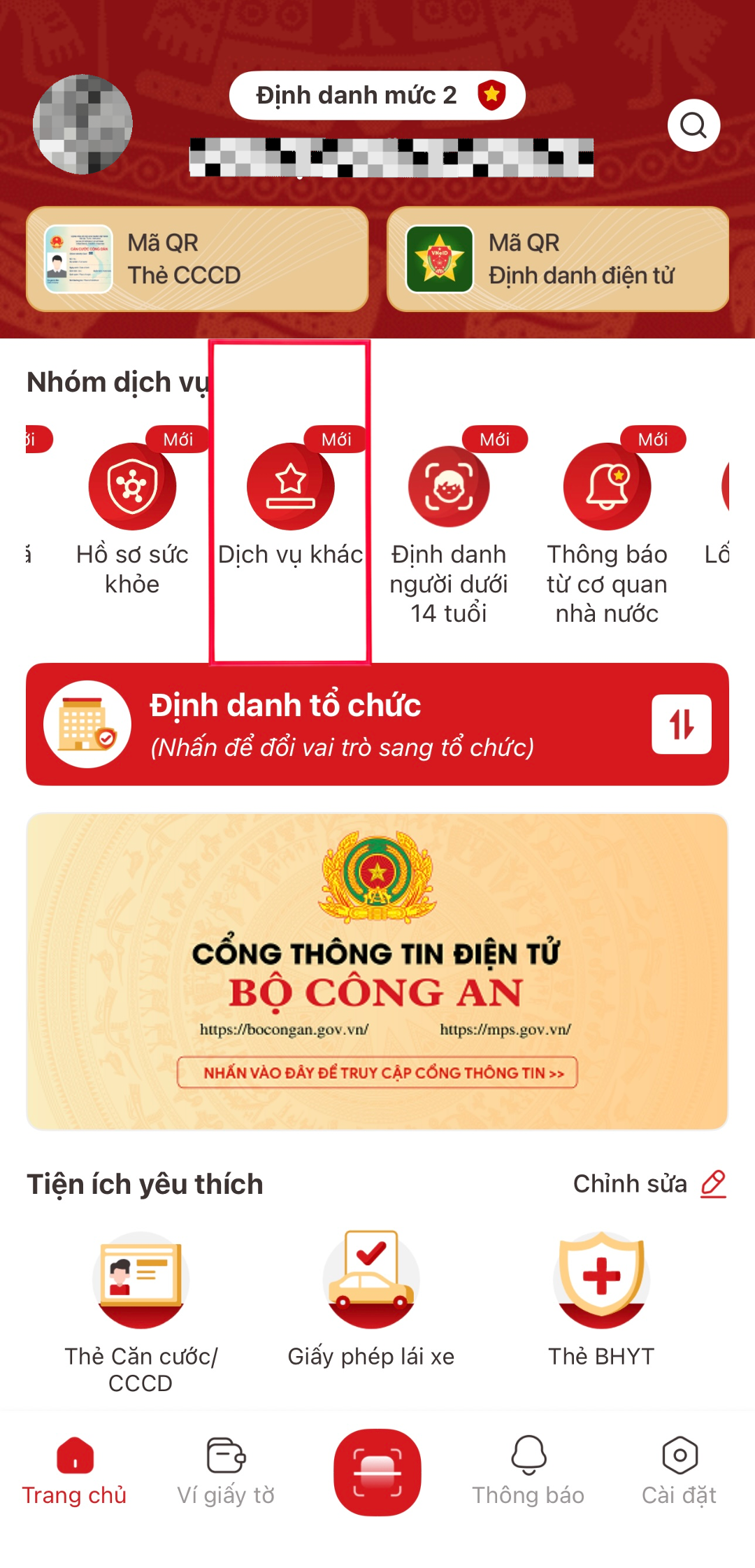
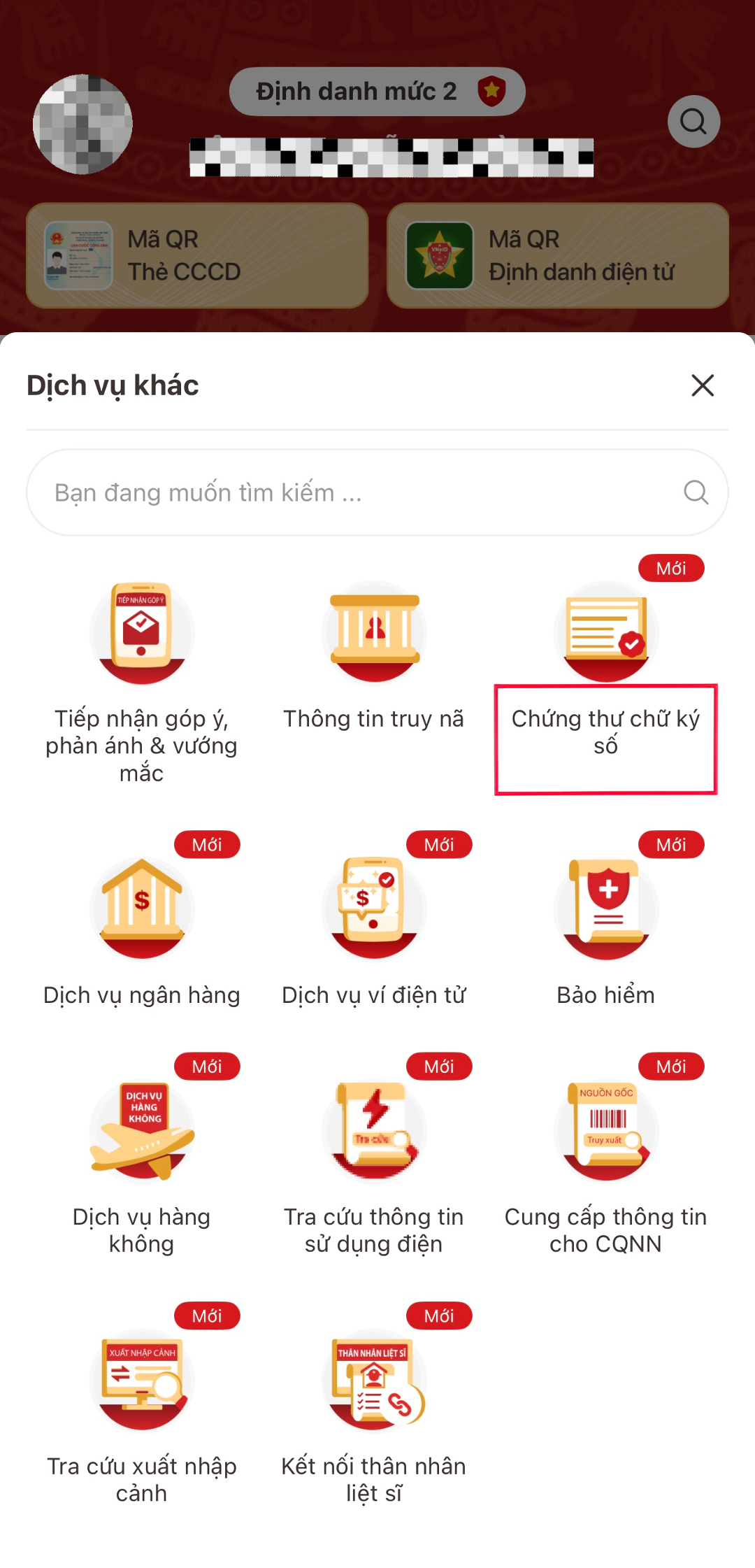
Step 3: Select the “Digital Signature Certificate” feature
From the list of supported utilities, click on “Digital Signature Certificate” to initiate a new issuance request.
Step 4: Choose a Certificate Authority (CA)
The system will display a list of legally linked public digital signature certification service providers (such as VNPT SmartCA, Viettel MySign, etc.). Select an issuer that suits your needs and service package.
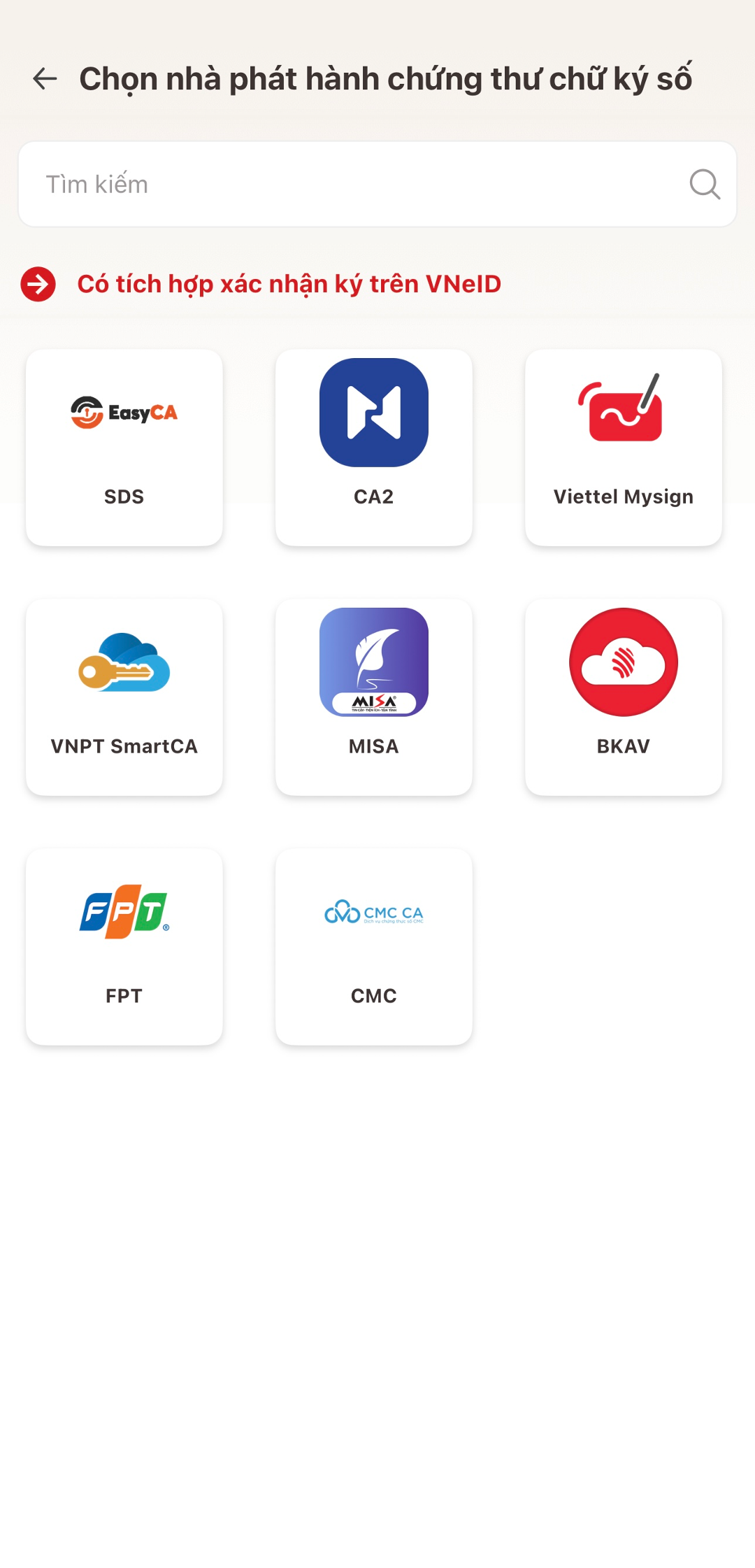
Step 5: Declare information and authenticate the transaction
Fill in all required personal information on the form, carefully read the terms of service, and authenticate using an OTP or your secure personal PIN on VNeID.
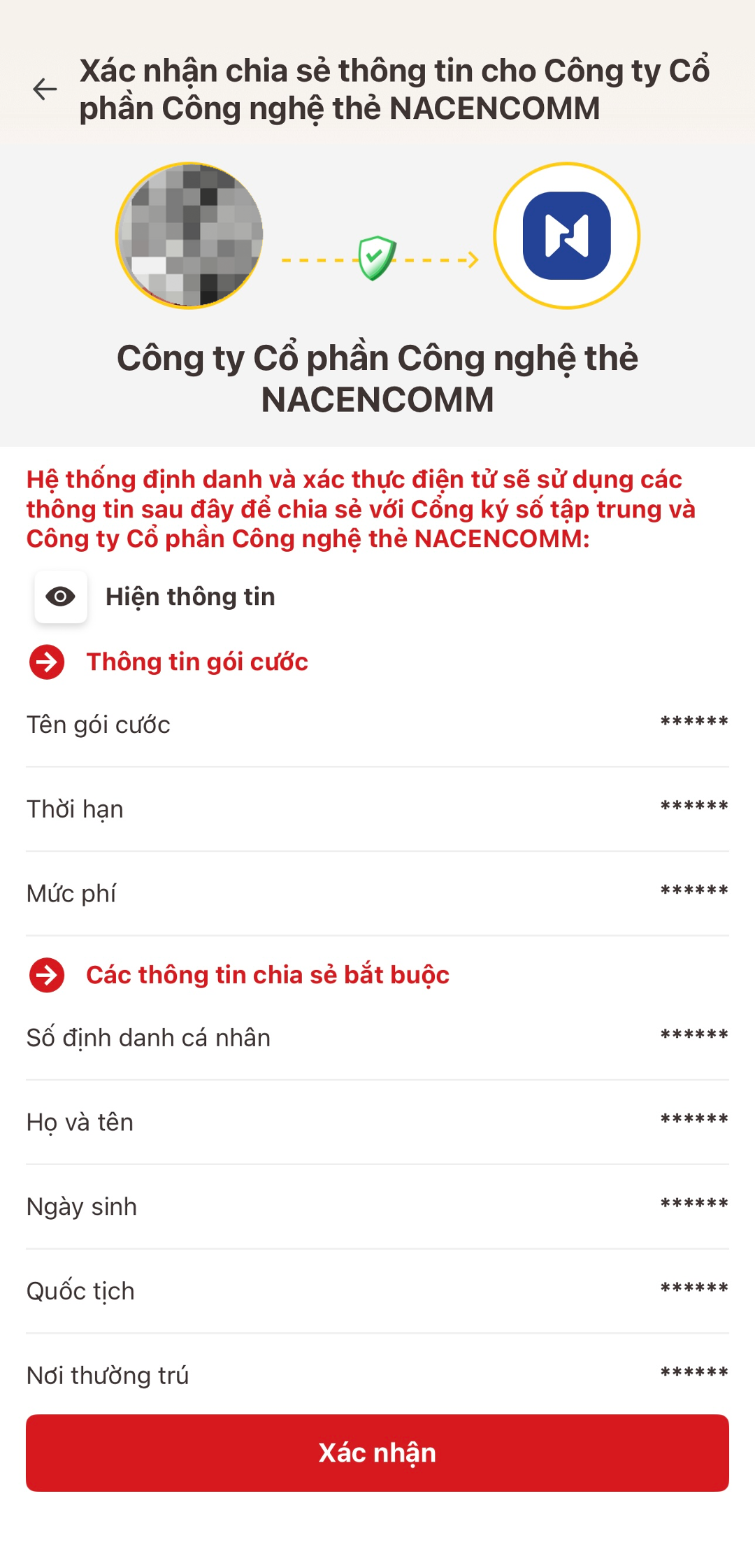
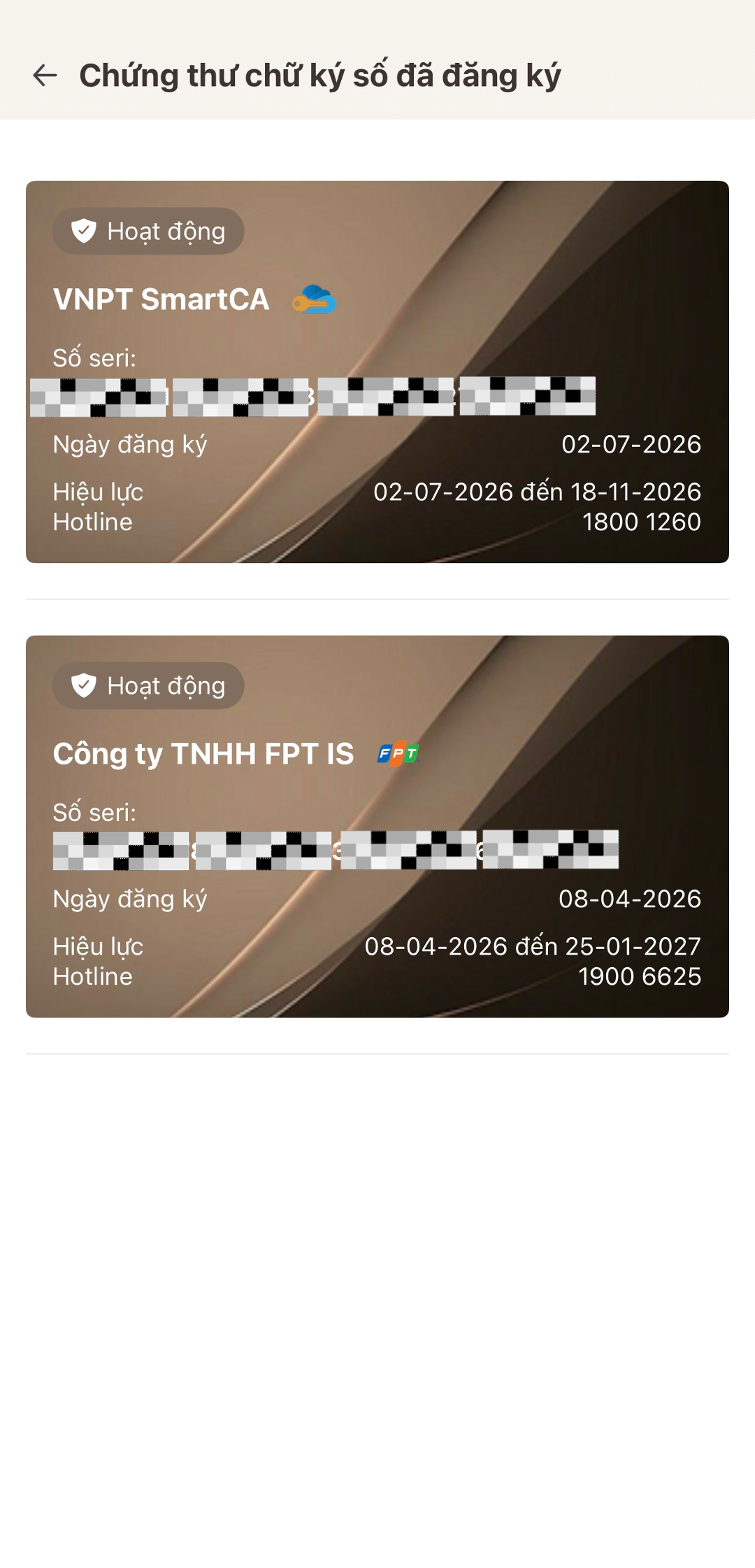
Step 6: Complete issuance and activate the signature
After the system successfully cross-checks with the national database and the CA issuer, a successful digital signature issuance notification will appear, ready for electronic transactions.
3. Optimizing Word and PDF Document Signing Performance with GoPaperless
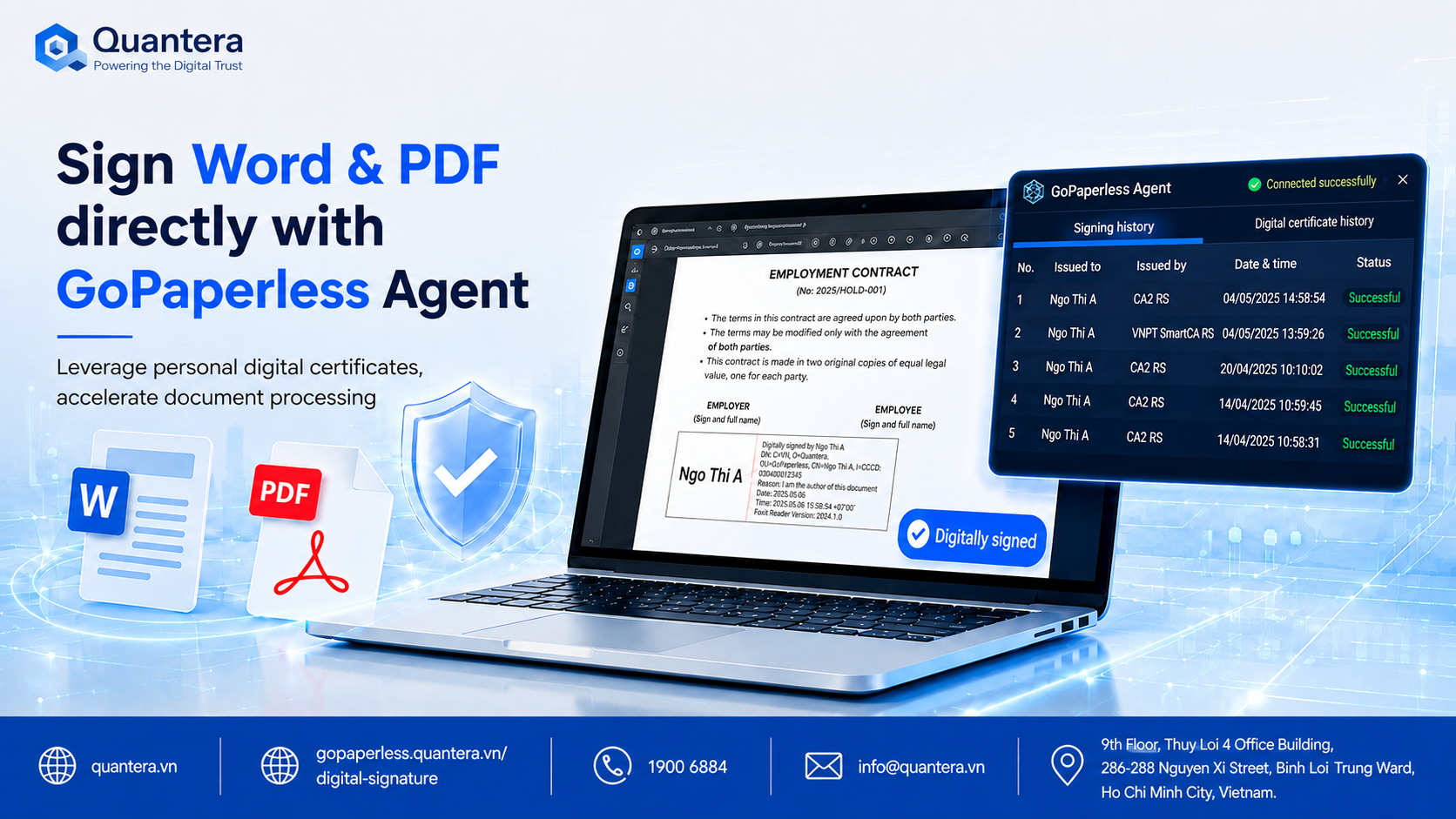
Although registering a digital signature on VNeID brings great convenience, when applied to processing daily administrative documents, labor contracts, or Word and PDF files, users often face a bottleneck: having to switch back and forth on complex web portals or cumbersome software.
To thoroughly resolve this bottleneck, the GoPaperless system integrates an Agent mechanism allowing users to sign directly on familiar computer files without disrupting their work habits. This combination helps staff and managers leverage personal digital certificates while optimizing internal document processing speed.
4. Comprehensive Management Solution from the Quantera Ecosystem
Besides supporting personalized document signing operations, enterprises need a synchronized operational platform to standardize the entire legal flow.
Flexible Connection
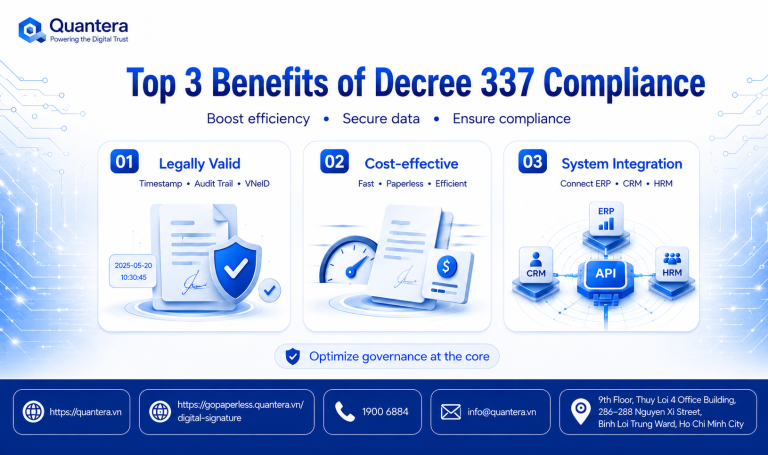
Enterprises can easily embed digital signing solutions and document approval workflows via the GoPaperless system into existing management software like ERP, CRM, or HRM.
Security Commitment
Applying advanced security standards from Quantera strictly protects internal data and ensures absolute compliance with electronic transaction laws.
Conclusion
Mastering the 6-step guide to registering a digital signature on VNeID is the key to helping individuals proactively participate in a secure national digital space. When combined with in-depth management tools, the value of the digital signature will be maximized in all operational activities.
Are your enterprise and HR team ready to upgrade your digitized document signing process today?
Join Q&A – HR, Labor & Payroll CommunityConnect directly with experts, get technical documents & GoPaperless quotes for free!

Community Discussion