

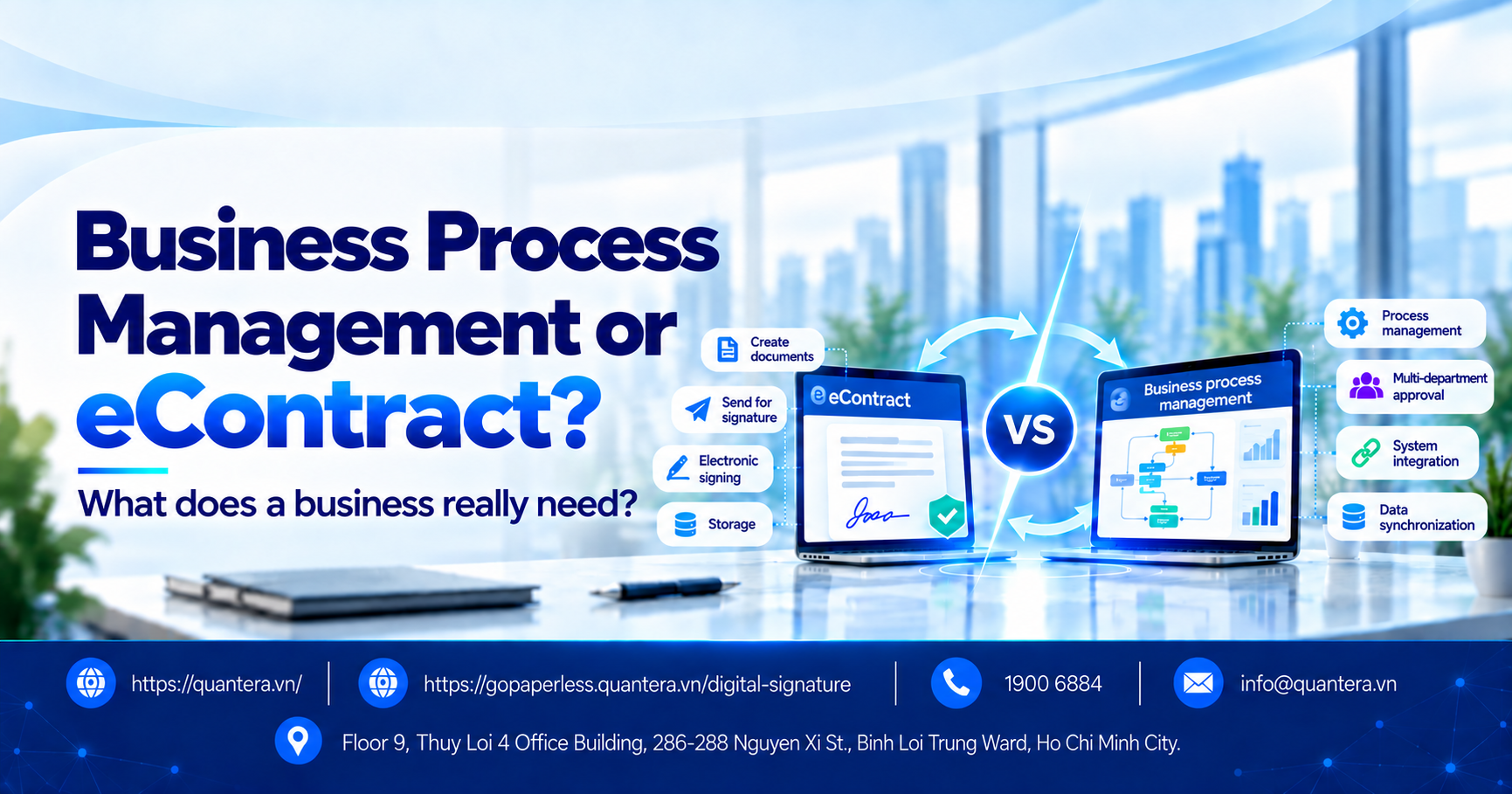
Enterprise Workflow Management or eContract: What Does Your Business Really Need?
When beginning to digitize contracts, many businesses only need a tool to create documents, send them to the right people, and complete electronic signatures. But as the number of records grows, more departments become involved, and data must move through HRM, ERP, CRM, or internal software, the need no longer stops at electronic signing.
At this point, the business needs to determine whether it only needs eContract software, or whether it also needs the ability to manage and automate the entire process from record creation, approval, signing, and storage through to data synchronization.
In this article, Quantera will help businesses distinguish between these two needs, review their current operating processes, and identify the appropriate solution before working with a provider.
1. How Is eContract Different from Enterprise Workflow Management Software?
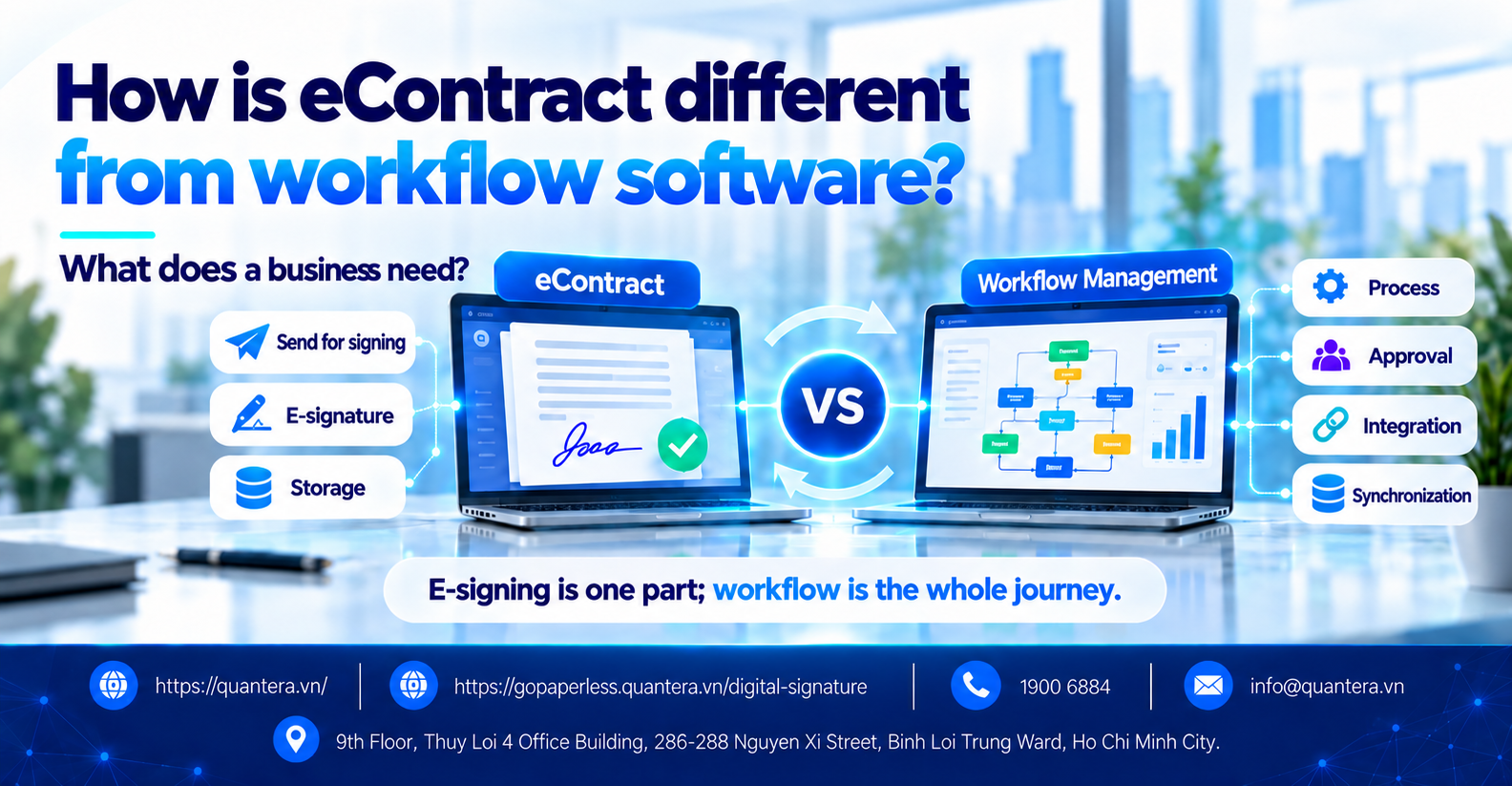
eContract helps businesses complete transactions and electronic signatures. Workflow management software helps data, approvals, signing, and subsequent processing steps operate seamlessly across multiple departments and systems.
| Criteria | eContract | Enterprise Workflow Management Software |
|---|---|---|
| Main objective | Complete transactions and electronic signing | Manage the entire work processing flow |
| Data source | Documents or data used for contracting, which may be created directly or received from another system | Data from multiple departments, systems, and business process steps |
| Approval | Approval and signing flow | Multiple departments, conditions, and processing branches |
| Electronic signing | Core function | One step in the overall process |
| After signing | Store and retrieve documents | Update status and data, and trigger the next step |
| Integration | Depends on the platform | Often an important requirement |
| Role | Manage the contracting and electronic signing process | Orchestrate business processing steps between users and systems |
When a business continuously adds software but each system manages a separate portion of the data, the process can easily become fragmented.
See more analysis here: 5 considerations when businesses implement digital transformation.
2. When Does a Business Need More Than Electronic Signature Software?
Not every business needs to invest immediately in a large workflow management system. However, there are 4 signs that indicate the problem the business is facing has gone beyond the electronic signing step.
1. Data Must Be Re-entered Across Multiple Systems
A process may include many steps but still depend on numerous manual operations.
HRM → export Excel → enter into eContract → sign → download document → update HRM again
The more times data is copied, downloaded, uploaded, or re-entered, the greater the risk of incorrect information and the more processing time the business consumes.
In this case, the business should prioritize an eContract solution that can integrate with the system holding the source data, rather than creating another independent place for data entry.
2. A Record Must Pass Through Multiple Departments for Approval
A business contract may pass through multiple departments and multiple stages:
Sales → Legal → Finance → Board of Management → Customer
If the business only manages the final signing step, the preceding steps still have to run through email, chat, or Excel spreadsheets.
At this point, the actual need is automated workflow management and end-to-end digitization of B2B approval processes.
3. Many Business Tasks Still Need to Be Performed After Signing
Completing a signature does not always mean the process is finished. After that, the contract and related documents may still need to be processed:
Sign contract → store record → update ERP → issue invoice → make payment → track validity
If the downstream steps still need to be handled manually, the business has only digitized one point in the entire process.
4. Records Move Through Multiple Systems and Status Must Be Synchronized Automatically
If HRM, ERP, CRM, or internal software all participate in the same process and employees must manually transfer data, update statuses, or trigger the next step between systems, the issue is no longer limited to electronic signing.
At this point, the business needs to further assess the ability to integrate and orchestrate processes across systems.
3. How to Check Whether the Business Is Stuck at the Signing Step or Across the Entire Process
The business can check by mapping the entire journey of a record:
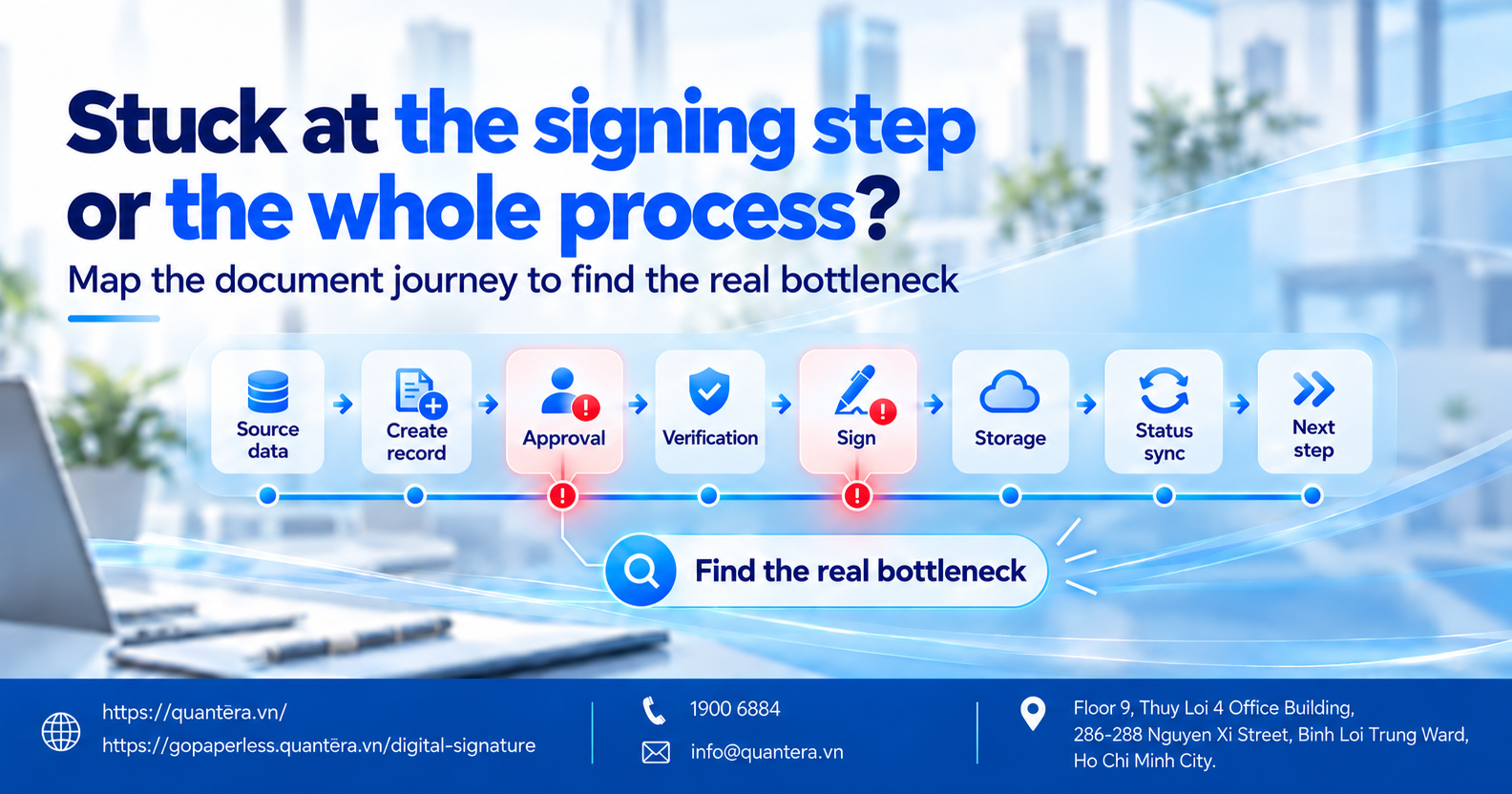
Then mark each step:
- Does data have to be re-entered?
- Do documents have to be sent manually by email or chat group?
- Do files have to be downloaded and then uploaded into another system?
- Are approval and signing statuses updated automatically?
- Do the results return to HRM, ERP, or CRM?
- How many actions do employees still have to perform after signing?
If the problem is mainly at the document sending and signing step, a standalone eContract solution may already be sufficient.
If bottlenecks appear throughout the process from record creation → approval → signing → storage → data synchronization, the business should evaluate the solution based on its ability to manage and automate the entire process.
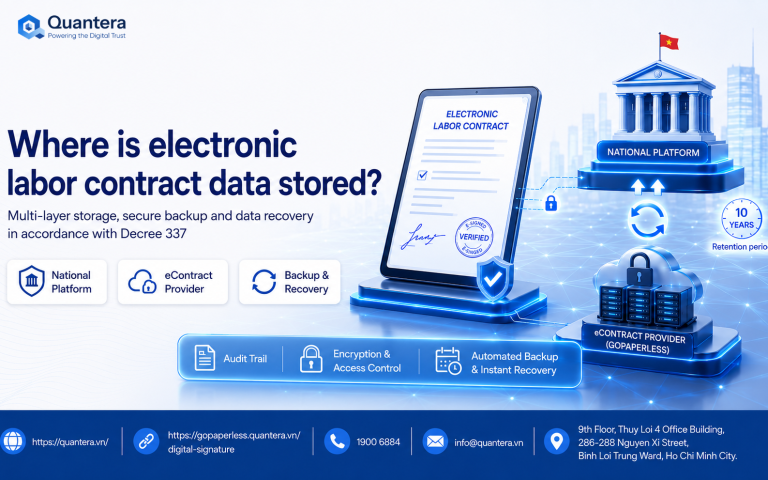
In particular, after a transaction is completed, determining how the contract, signing evidence, and data are managed is also part of the operating process.
See more analysis here: Where is electronic employment contract data stored?
4. GoPaperless Covers Everything from Digital Signing to Integration and Contracting Workflow Automation
Not every business needs to implement the entire process from day one. A suitable solution should allow the business to start from its current needs and expand as its level of digitization increases.
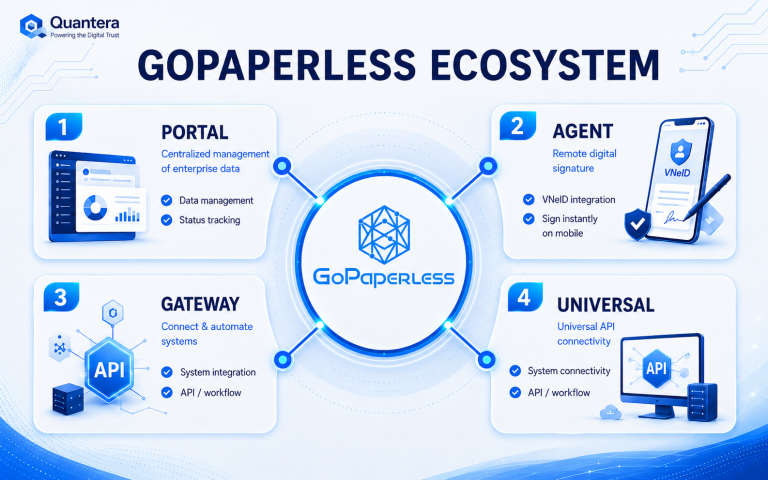
That is also how GoPaperless from Quantera is organized, with multiple deployment approaches.
The Business Needs a Standalone eContract System
GoPaperless Portal : suitable for businesses that want a centralized environment to create, manage, send, and sign records without yet requiring deep integration with other systems.
The Business Wants to Continue Working with Its Current Documents
GoPaperless Agent: suitable for environments where staff still frequently work with Word, PDF, or documents on their computers and the business wants to minimize changes to existing work habits.
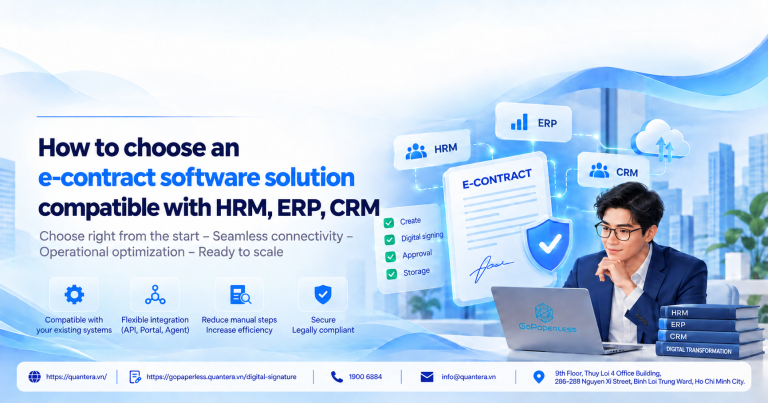
The Business Wants to Connect with HRM, ERP, or CRM
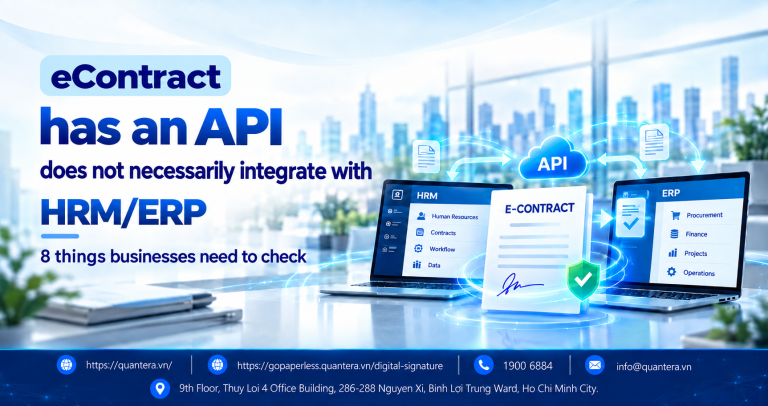
GoPaperless Universal / Gateway : designed to connect the electronic transaction and signing layer to systems the business is already operating, rather than forcing users to move entirely to new software. Universal/Gateway is a layer that can embed APIs into ERP, CRM, or HRM so users can continue working in a familiar interface.
See more GoPaperless deployment models here: Learn about the architecture and deployment models of GoPaperless
Integration capability is also a common criterion among international electronic signing platforms. Adobe Acrobat Sign provides an Integration Hub for CRM, ERP, and CMS systems, as well as REST APIs that allow businesses to build custom integrations or embed signing functionality into existing applications.
The Business Wants to Automate Multiple Steps in the Process
As the need expands, the flow can be connected in the following direction:
Create record → Approve → Authenticate → Sign → Store → Return results to the system
At this point, electronic signing remains important, but it is only one component in the entire work processing flow.
5. Conclusion
If the business only needs to digitize the signing step, an eContract platform may already meet the need. But if records must pass through multiple departments, multiple systems, and multiple processing steps before or after signing, the business also needs to assess automated workflow management, data integration, and process scalability.
Therefore, before asking how many signing features the software has, the business should determine: which steps in our current process can this solution connect?
That is also the direction in which GoPaperless from Quantera has been developed: businesses can start with the need for electronic signing and expand into deeper integration models as their operating processes require.
If your business is facing a real-world situation related to HRM, ERP, CRM, electronic signing, or process digitization.
👉 Join the Q&A – Human Resources, Labor and Payroll Community to exchange ideas with the community and the Quantera team.
6. Frequently Asked Questions
If a Business Already Has HRM, ERP, or CRM, Does It Still Need eContract?
It may still be needed if the current system does not fully handle contracting and electronic signing. In this case, eContract does not necessarily replace HRM, ERP, or CRM; instead, it can act as the contracting layer, receive data from the system managing the business process, perform the signing process, and return the results after completion.
When Is Standalone eContract Software Sufficient for a Business?
A standalone eContract solution can work well when the main need is to create or upload documents, approve them, send them for signature, track status, and store records after signing. If the process does not yet require continuous data exchange with multiple systems or the triggering of many business activities before and after signing, the business does not necessarily need to invest in a more complex integration model.
When Should a Business Integrate eContract into Its Current Process?
A business should consider integration when employees frequently have to export data from HRM, ERP, or CRM, re-enter it into eContract, and then continue downloading the results to update them manually. When a record must move through multiple systems and statuses between those systems need to be synchronized, integration helps reduce duplicate data entry and limit breakpoints in the process.
Should the Business Choose GoPaperless Portal, Agent, or Universal/API?
The choice depends on how the business currently operates. GoPaperless Portal is suitable when the business wants a standalone eContract environment to manage, send, and sign records. GoPaperless Agent is suitable for teams that still frequently work with Word, PDF, or documents on their computers and want to minimize changes to usage habits. GoPaperless Universal/Gateway is suitable when the business wants to integrate contracting and electronic signing capabilities into the HRM, ERP, CRM, or internal system already in use.
Can a Business Pilot eContract on One Process Before Expanding It Across the Whole System?
Yes. The business can start with a group of records that are used frequently or have a relatively clear process to test record creation, approval, signing, storage, and data synchronization. Once the process is stable, the deployment scope can be expanded to other departments, record types, or systems. This approach helps the business evaluate actual effectiveness before investing in integration at a larger scale.
See 36 more frequently asked questions and answers about electronic employment contracts and GoPaperless to learn more about legal requirements, operations, data, and implementation options.
Community Discussion