


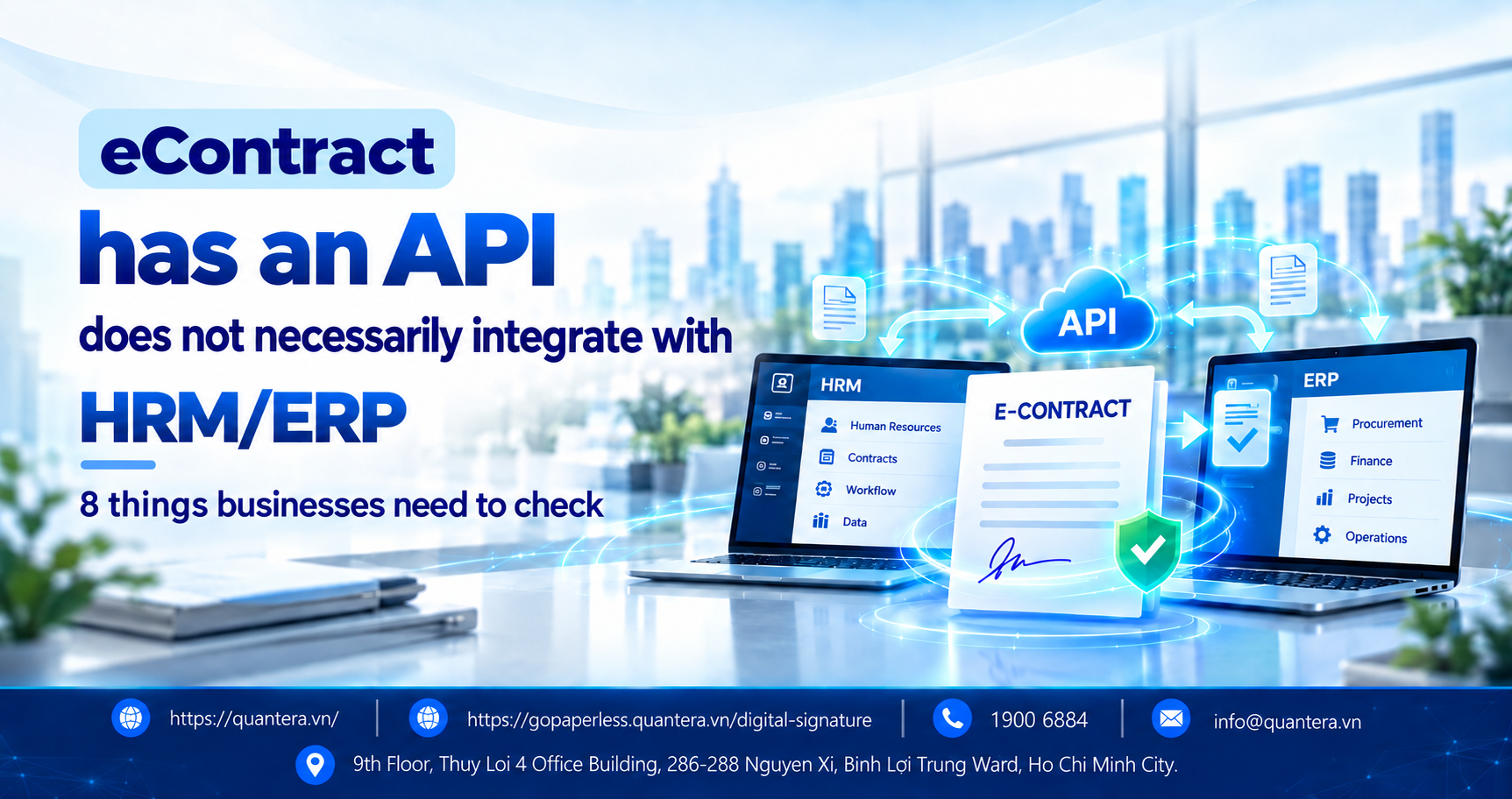
How to Check Whether eContract Can Connect to HRM/ERP
When choosing an eContract solution, enterprises often hear a very familiar answer from vendors: “The system has an API, so it can be integrated.”
But having an API does not mean that the two software systems will automatically work smoothly together.
Simply put, an API is a way for two software systems to automatically send and receive information from each other. For eContract to truly connect to human resources management software or enterprise operations management systems, enterprises still need to check what data is sent, what results are returned, how errors are handled, and who is responsible when the two systems are not synchronized.
In this article, Quantera will guide enterprises through 8 important issues to check before connecting eContract with HRM/ERP, helping avoid the situation where the software has already been purchased but employees still have to download files, re-enter data, and manually check information across multiple systems.
1. Why Can an eContract with an API Still Fail to Connect to HRM/ERP?
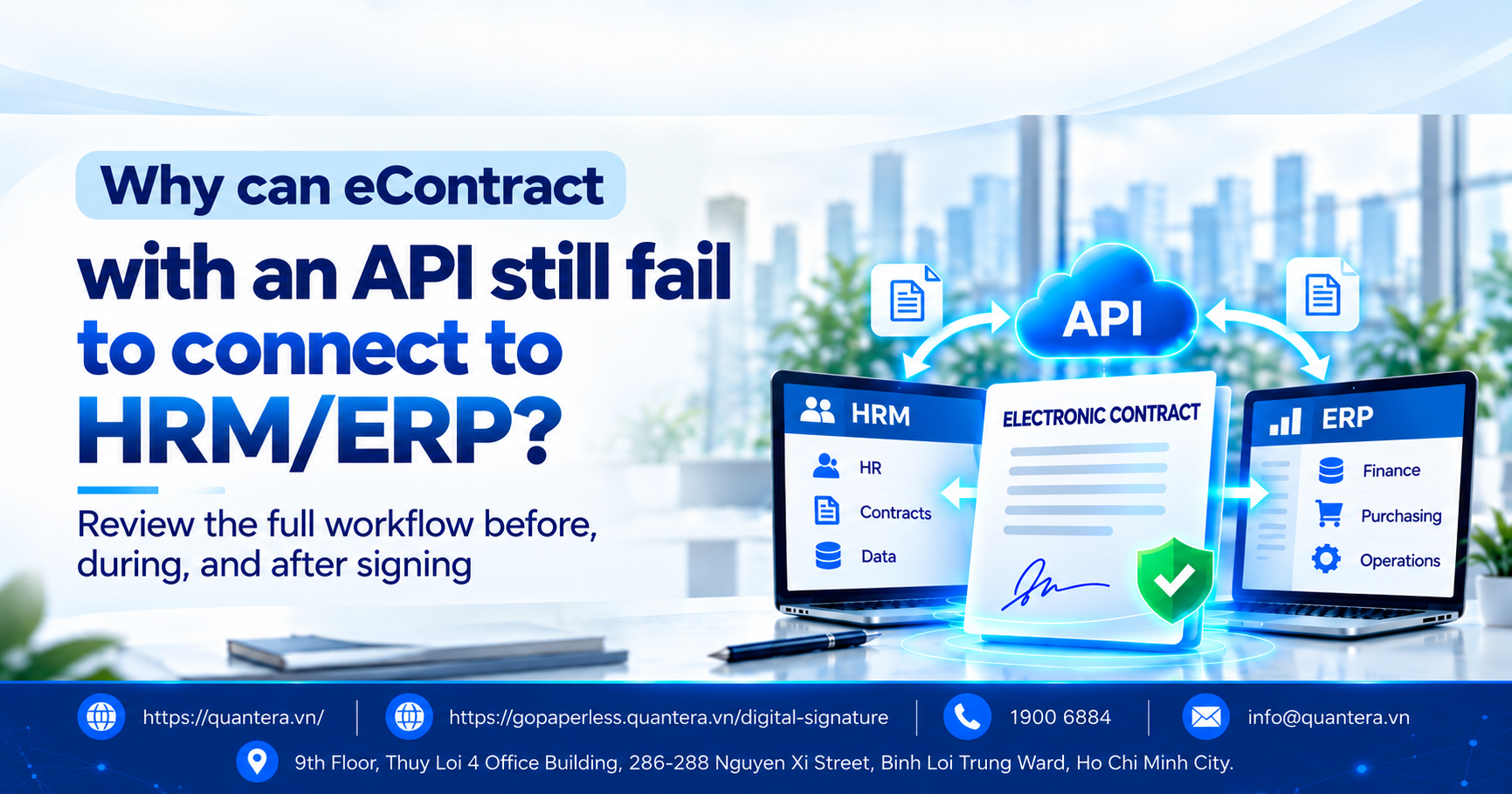
Having an API does not mean that eContract will have a complete connection with HRM/ERP.
Enterprises do not only need to send data from HRM/ERP to eContract; they also need to receive signing status, signed documents, and other necessary information back so that processing can continue in the system already being used.
If data can only move in one direction, or employees still need to manually check, download files, and update information between the two systems, the integration is not truly complete.
See more analysis here: 5 considerations for enterprises when implementing digital transformation.
International electronic signing platforms also do not treat APIs merely as a function for “sending documents.” The Adobe Acrobat Sign documentation describes connections as also including receiving signing status, retrieving signed agreements, and embedding signing capabilities into the enterprise software being used.
Having an API is only the first requirement. What enterprises need to check is whether all work before, during, and after signing can run automatically between the two systems.
2. 8 Things to Check Before Connecting eContract with HRM/ERP
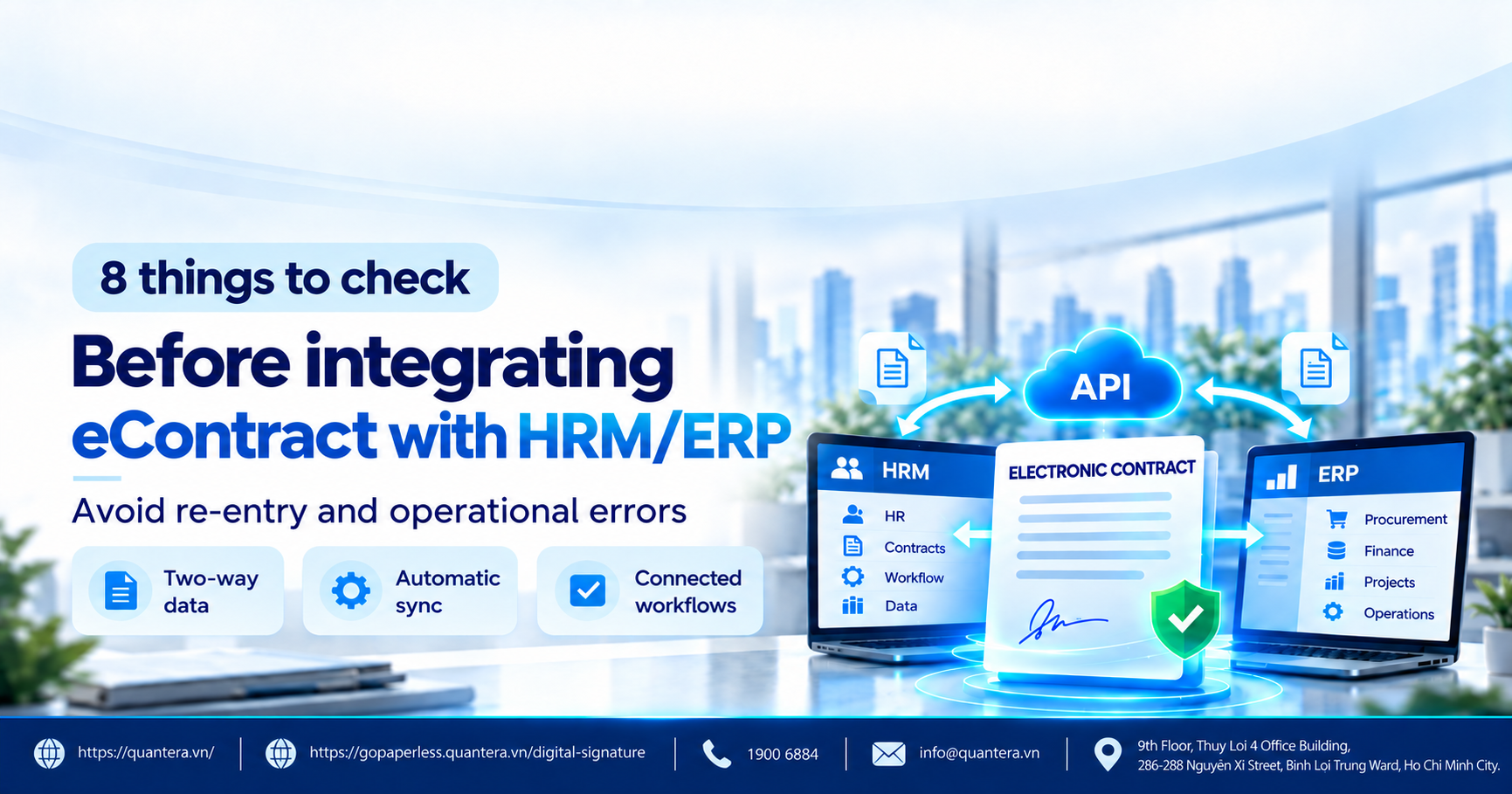
2.1. Does eContract Perform the Exact Tasks the Enterprise Needs?
Instead of only asking, “Can your eContract integrate via API?” the enterprise should list exactly what it needs the system to do.
For example, with employment contracts, HRM may be the system where contract information is created. eContract then receives the data, sends signing requests to employees, supports resending or cancellation when necessary, records the result, and returns the signed document to the human resources management system.
The enterprise should ask the vendor to clearly identify which steps the system can perform throughout this entire process.
What needs to be checked is not the number of features, but whether those features match the enterprise’s actual process.
2.2. What Data Is Sent and What Data Is Returned?
The enterprise must clearly determine the data that moves in both directions.
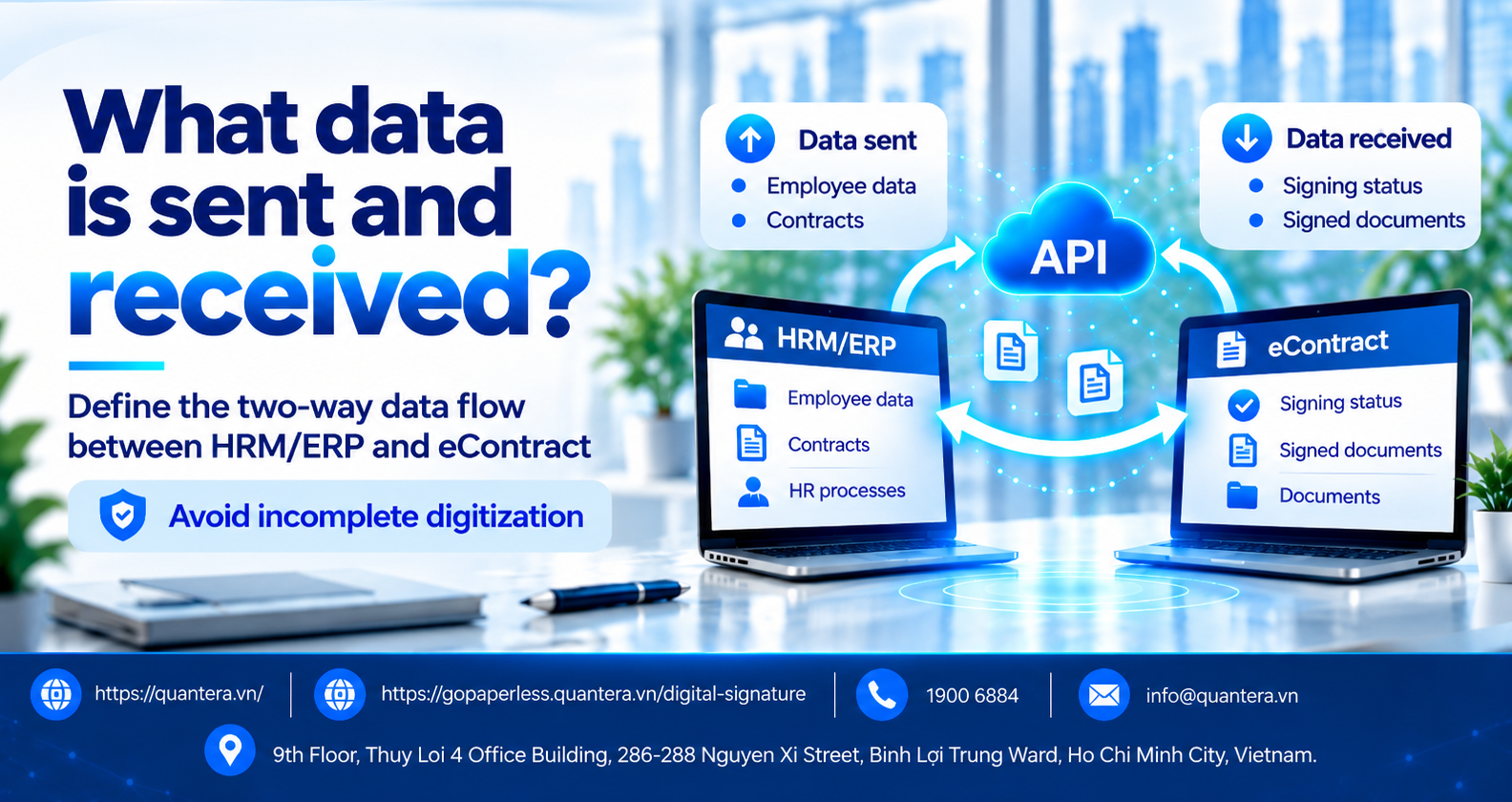
The question to ask is: what information does HRM send to eContract, and what must eContract return?
If the enterprise only defines the outbound direction without defining the return flow, it can easily end up with a half-digitized process.
2.3. Is Signing Status Automatically Updated Back to HRM/ERP?
For example, an enterprise sends 500 employment contracts. After one day, some employees may have signed, some may not have signed, some may have rejected the contract, or some contracts may have passed the signing deadline.
HR should not have to open eContract to check each case and then re-enter the result into HRM.
In a fully connected process, when an employee completes signing on eContract, the corresponding status needs to be updated back to HRM so that the HR department can continue processing without manually checking another system.
The same applies to ERP. If a purchase contract has been signed, ERP needs to receive that status so that it can continue with steps such as acceptance, invoicing, or payment.
This is the practical meaning of automated workflow management: when one step is completed, the system automatically knows what needs to happen next.
2.4. Can the Two Systems Correctly Identify the Same Employee and Contract?
This is an issue that is very easy to overlook.
For example, HRM is managing:
● Employee: NV00582
● Contract: HDLD-2026-00582
Meanwhile, eContract creates a separate record ID.
The two systems must be able to determine that the contract ID in HRM and the corresponding record in eContract refer to the same contract for the same employee.
If this is not clearly standardized from the beginning, the enterprise may encounter:
- The same contract being created twice
- Signing results being returned to the wrong employee
- Status being updated to the wrong record
- Difficulty identifying the cause when an error occurs.
Therefore, before implementation, the enterprise needs to agree on how each employee, each contract, and each signing request will be identified.
2.5. How Does the System Handle Failed Data Transmission?
A real-world situation may occur where HRM sends 500 contracts to eContract, but only 490 are successfully received while 10 encounter errors.
The enterprise must know what happens to those 10 contracts.
Questions to ask:
- Does the system automatically retry?
- Is the person in charge notified?
- Can the enterprise identify exactly which contracts encountered errors?
- Is the cause of the error recorded?
- After correcting the information, does the process need to start over?
A very practical question to use when working with a vendor is: If HRM has sent the data but eContract has not received it, who knows, and how does the system continue processing?
If the answer is still “employees need to check manually,” the enterprise needs to recalculate the actual operating cost.
2.6. Who Is Allowed to Send, Receive, and View Data?
When two systems are connected, data no longer resides in only one software application.
Therefore, the enterprise needs to determine:
- Who is allowed to create and send contracts
- Who is allowed to retrieve signed documents
- Who is allowed to view employee information
- Whether one department can see another department’s data
- Whether the system records who performed each action
- Whether access rights are revoked when an account is no longer authorized to use the system.
A secure electronic approval and signing system does not only protect the contract file. It must also ensure that only the correct people are allowed to view, send, and receive data.
2.7. Can the System Handle the Enterprise’s Actual Contract Volume?
A connection that works well with 10 contracts may not necessarily perform well when the enterprise sends thousands of contracts.
For example, an enterprise with 6,000 employees may need to send 5,000 electronic employment contracts in a single batch.
The enterprise does not need to ask overly complex technical questions.
What needs to be clarified is whether the system limits the number of contracts that can be sent at once, how long processing takes, how unprocessed records are managed when transaction volume increases, and whether the enterprise can monitor the status of all transactions.
This is especially important if the enterprise implements electronic employment contracts in batches, signs large volumes with suppliers, or has a high number of transactions.
2.8. Who Is Responsible When an Error Occurs or One System Changes?
Integration does not end on the day the system goes live.
HRM may be upgraded. ERP may change. eContract may also be updated.
The enterprise needs to clearly determine each party’s responsibilities from the beginning.
The most important thing to avoid is waiting until an error occurs before deciding which party is responsible for handling it.
| Task | eContract Vendor | HRM/ERP Responsible Unit |
|---|---|---|
| Identify data to be exchanged | Jointly performed | Jointly performed |
| Prepare integration guidance | Clearly defined | Clearly defined |
| Prepare the test environment | Clearly defined | Clearly defined |
| Perform checks before production use | Jointly performed | Jointly performed |
| Handle errors after implementation | Responsibilities clearly assigned | Responsibilities clearly assigned |
| When the system changes | Has a notification contact point | Has a receiving contact point |
3. How Does GoPaperless Connect with Enterprise Systems?
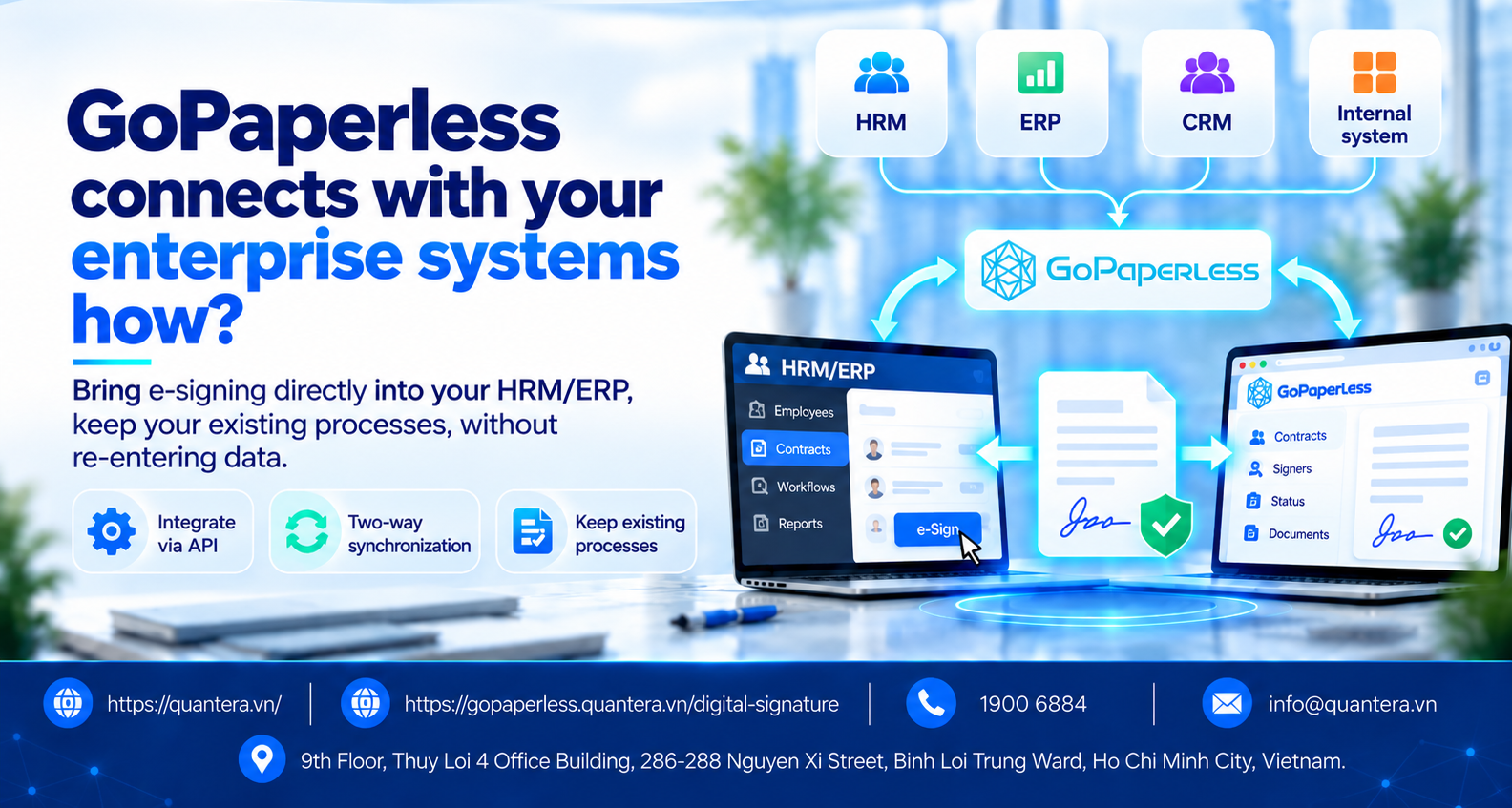
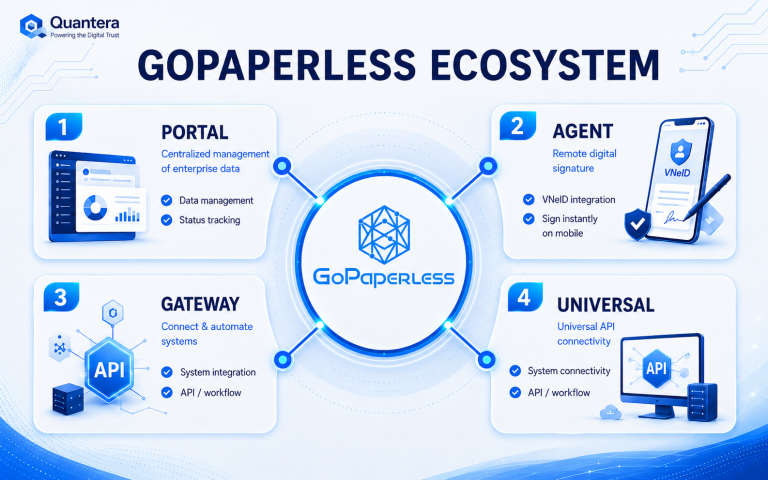
For enterprises that already have HRM, ERP, CRM, or internal software, the purpose of integrating GoPaperless is not to create another place where employees need to log in and re-enter data.
A more appropriate goal is to keep the enterprise’s existing system as the main system for managing business operations, while GoPaperless handles electronic contracting and signing and does not operate as a separate system.
After integration, GoPaperless contracting and electronic signing functions are brought directly into the HRM/ERP the enterprise is already using, similar to an additional module of that system.
With an appropriate integration approach, GoPaperless contracting and electronic signing functions can be embedded into the business workflow on the HRM/ERP the enterprise is already using.
As a result, the enterprise does not need to implement an additional process that requires users to log in and switch back and forth between two software systems.
See more about GoPaperless integration here: Information about GoPaperless integration capabilities
4. Checklist of 8 Questions to Bring to a Vendor Meeting
Before signing a contract with a vendor, the enterprise can bring the following 8 questions directly into the discussion:
5. Conclusion
An API is a necessary condition for two software systems to exchange data, but having an API does not mean that eContract will integrate successfully with HRM or ERP.
A complete connection must help the enterprise perform the correct business process, exchange all necessary data, receive post-signing status, accurately identify each record, handle error scenarios, control access for the right people, support actual transaction volumes, and clearly assign responsibilities between the parties.
If these 8 issues are clearly defined before implementation, the enterprise can significantly reduce the risk of duplicate data entry, manual tracking, or error handling after the system has already gone live.
With GoPaperless, Quantera focuses on connecting the electronic contracting and signing layer to the system the enterprise is already using, so that HRM/ERP can continue to manage the core business process and signing results are returned to the correct workflow for further processing.
Is your enterprise preparing to connect HRM/ERP with eContract but still unsure what the vendor should be required to demonstrate?
👉 Join the Q&A – Human Resources, Labor and Payroll Community to bring real implementation scenarios into the discussion, ask questions about system integration, and work with the community and the Quantera team to resolve issues that arise during implementation.
6. Frequently Asked Questions
If the enterprise already has HRM or ERP, does it need to replace the system to use GoPaperless?
No. For enterprises that already have HRM or ERP, GoPaperless can be integrated into the existing system to add electronic contracting and signing capabilities. Users can continue working on the familiar software instead of moving the entire process to a new system.
Can a signed contract be updated back to HRM?
Yes, if the integration approach is fully designed from the beginning. In that case, post-signing information such as contract status, completed documents, and other necessary data can be returned to the enterprise’s management system.
Can HR track who has signed and who has not?
Status tracking is an important part of electronic contract implementation. The HR department needs to know which records are complete, which are pending, and which cases require further action without opening each contract for manual checking.
If a contract encounters an error, does HR need to track it manually?
This is something the enterprise needs to clarify with the vendor before integration. The system should let the responsible person know which record has a problem, its current status, and the next step required, rather than leaving HR to check each case manually.
Is GoPaperless suitable when the enterprise needs to process a large number of contracts?
Batch-processing capability should be tested based on the actual scale of each enterprise. For organizations with thousands of employees, the enterprise should require testing with a sufficiently large number of records to evaluate processing speed, tracking capability, and how the system responds when some transactions encounter errors.
What should the enterprise prepare before testing GoPaperless integration?
Before the test session, the enterprise should prepare an actual process currently in use, sample data, approval steps, the signing method, the results that need to be returned, and common error scenarios.
See 36 more frequently asked questions and answers about electronic employment contracts and GoPaperless to learn more about legal requirements, operations, data, and implementation options.
Community Discussion