


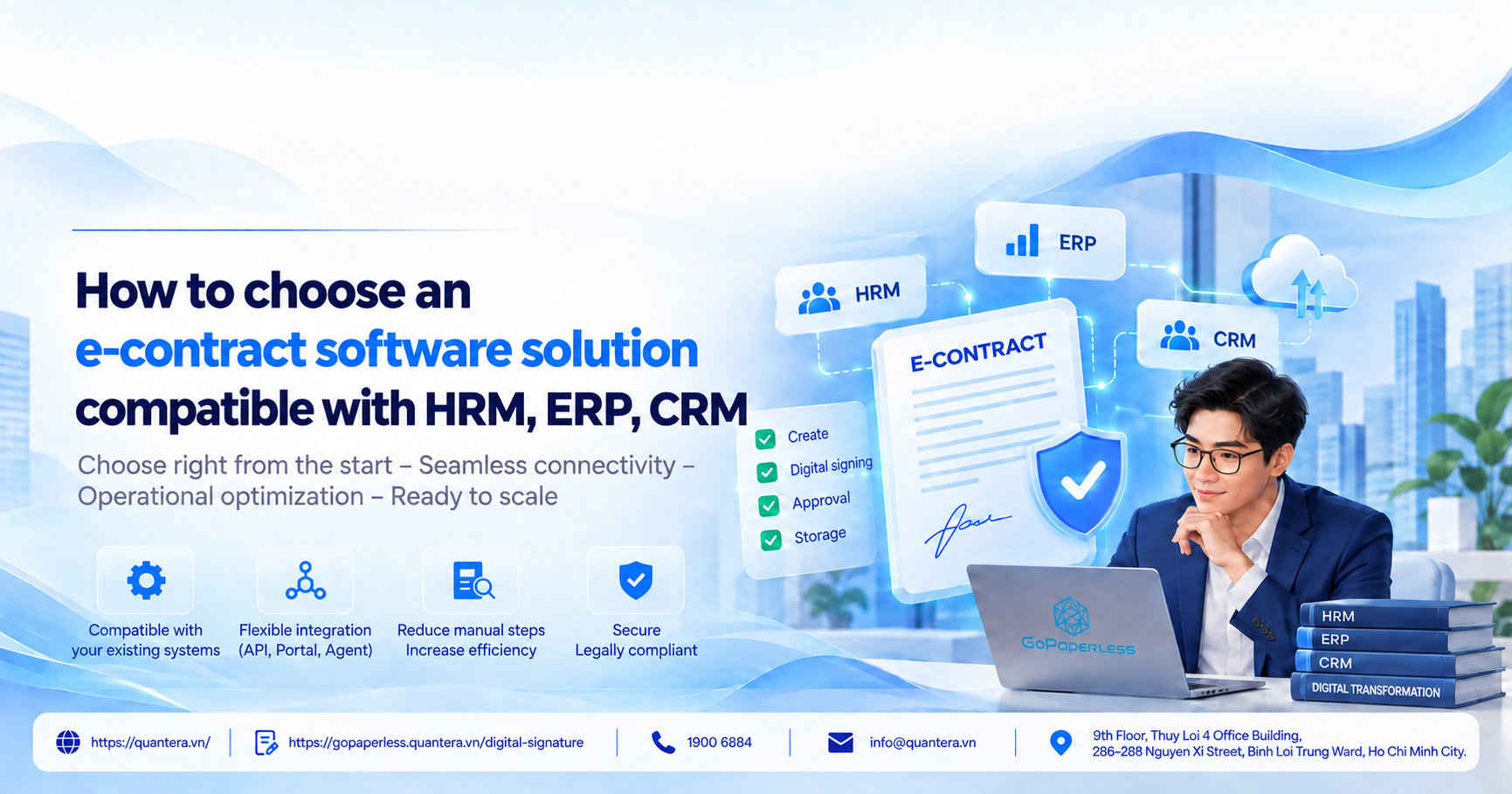
How to Choose Electronic Contract Software Suitable for HRM, ERP, CRM
When searching for electronic contract software, enterprises can easily start by comparing feature lists, prices, or the number of contract templates.
However, if an enterprise is already operating on HRM, ERP, CRM, DMS, or still processing documents with Word/PDF, choosing an unsuitable eContract solution may require data to be entered again, force users to switch between multiple systems, and separate the signing process from the existing workflow.
So should an enterprise use standalone software or integrate an API into its existing management system? And how can it determine which model is appropriate for the systems it already has?
In this article, Quantera will guide enterprises in identifying their source systems, selecting the appropriate eContract model for each operating approach, and reviewing the necessary factors before deciding to deploy.
1. Why Shouldn’t You Choose an eContract Based Only on a Feature List?
Software with more features is not necessarily the most suitable software. The biggest problem for enterprises is usually not a “lack of features,” but rather:
- Having to re-enter data multiple times
- Employees having to switch between too many systems
- Signed files not being returned to the correct storage location
- New processes disrupting existing operating methods
This is also one of the reasons why enterprises invest in multiple tools while their processes remain fragmented. In 5 key considerations when enterprises implement digital transformation, Quantera also points out that adding new technology without considering existing systems and processes can create additional points of disruption rather than resolve them.
The core principle is: a good eContract is not the software with the most features, but the software that best fits the systems the enterprise is already using.
2. How to Choose Electronic Contract Software Based on the Enterprise’s Existing Systems
To make the right choice, first determine which of the following groups your enterprise belongs to.
Case 1: The Enterprise Is Still Using Word, Excel, and Email
This is a fairly common situation among small and medium-sized enterprises. Contracts are created in Word, sent by email, submitted for manual approval and signing, and stored across individual computers or Google Drive.
In this case, the enterprise should prioritize a platform that can be deployed as standalone software, used quickly, and does not require complex integration from the beginning.
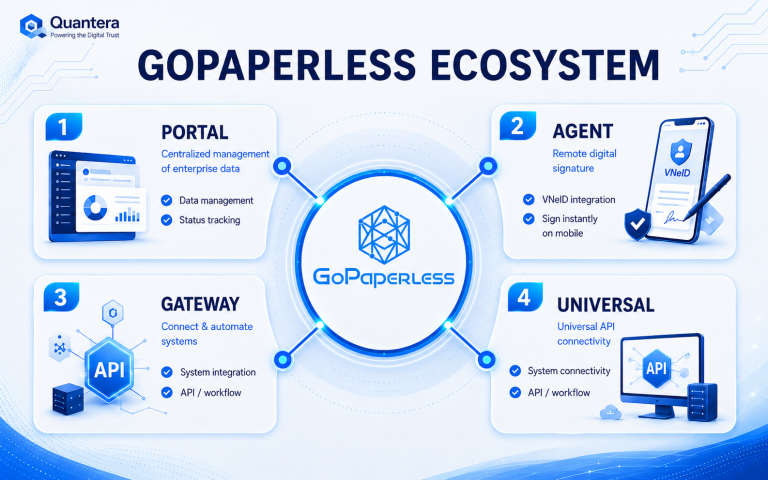
Best fit: the Portal model.
This approach helps enterprises:
- Create and manage contracts centrally
- Set up basic approval workflows
- Send documents for digital signing quickly
- Store records in a more systematic manner
If your goal is to move from a paper-based or semi-manual process to an easy-to-adopt digital process, this is a reasonable starting point.
Case 2: The Enterprise Already Has HRM, ERP, or CRM
If data already resides in HRM, ERP, or CRM, the enterprise should not deploy the process as follows:
Export data → enter it into eContract → sign → download the file → re-enter it into the old system.
This approach creates additional work, increases the risk of data discrepancies, and makes the process more complicated than before.
Instead, the enterprise should choose an eContract solution capable of:
- Receiving data from the source system
- Supporting signing and status tracking
- Returning the signed result to the original system
Best fit: API integration
The process when integrating APIs into management software:
- HRM manages employee records
- ERP manages purchasing, sales, or approval processes
- CRM manages customers and business contracts
Then eContract should serve as the electronic contracting and signing layer, rather than replacing the entire system that is already operating effectively.
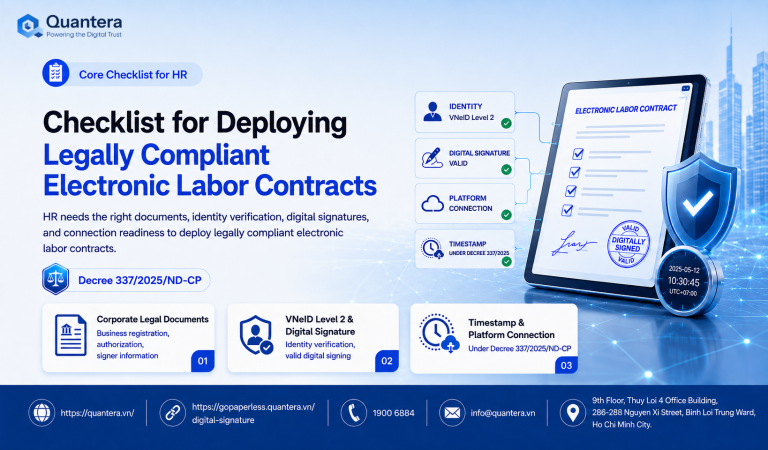
For HR processes in particular, identifying source data, employee lists, contract types, and signing methods is part of the electronic employment contract implementation checklist that enterprises should standardize before connecting to HRM.
Case 3: Employees Primarily Work with Word or PDF
Many enterprises do not lack systems, but their actual working habits still revolve around Word, PDF, or document sets stored locally.
If users are forced to move entirely to a new interface, the biggest risk is that they are reluctant to use it, or only use it partially.
In this situation, the enterprise should prioritize a deployment approach that allows users to process and sign documents in a familiar working environment, instead of making them start over from scratch.
Best fit: the Agent model or a support layer that enables direct processing on the documents currently being used.
This approach is particularly effective when the enterprise wants to:
- Reduce training time
- Preserve existing working habits
- Increase internal user adoption
3. 5 Questions to Answer Before Viewing an eContract Demo
Before comparing prices or features, answer these five questions:
1. Where is contract data currently stored?
Is it in HRM, ERP, CRM, DMS, or simply Word and Excel?
2. Where are contracts created?
Do users create them directly in the system, or do they have to draft them separately and then upload them?
3. Who approves and signs?
How many steps are there in the process, and does it require internal signing or signing with external partners/employees?
4. After signing, where should the file and status be returned?
If the result is not returned to the source system, the enterprise will once again have to update it manually.
5. Does the enterprise want to change its current system?
If the answer is no, the solution must be able to adapt to the existing infrastructure.
By clearly answering these five questions, the enterprise can already form a fairly accurate picture of which model it should use.
4. GoPaperless Supports Different Enterprise Deployment Needs
Instead of requiring every enterprise to follow a single deployment approach, GoPaperless from Quantera is designed to be flexible and accommodate different levels of digital maturity.
If the enterprise needs a fast, standalone deployment
It can start with a Portal model, which is suitable when there is no central management system or when the enterprise wants to put electronic contracts into operation first.
If the enterprise already has HRM, ERP, or CRM
It can deploy through API integration, allowing data to move from the existing system into the electronic signing process and return after completion.
If the team still works primarily with Word/PDF documents
A model that supports direct interaction within the familiar working environment can be applied, reducing the feeling of having to “change systems.”
The important point is: GoPaperless does not require enterprises to replace their entire existing infrastructure just to use eContract.
This is a practical advantage for B2B enterprises because, in many digital transformation projects, one of the least visible costs lies not in the software itself but in changing operating habits.
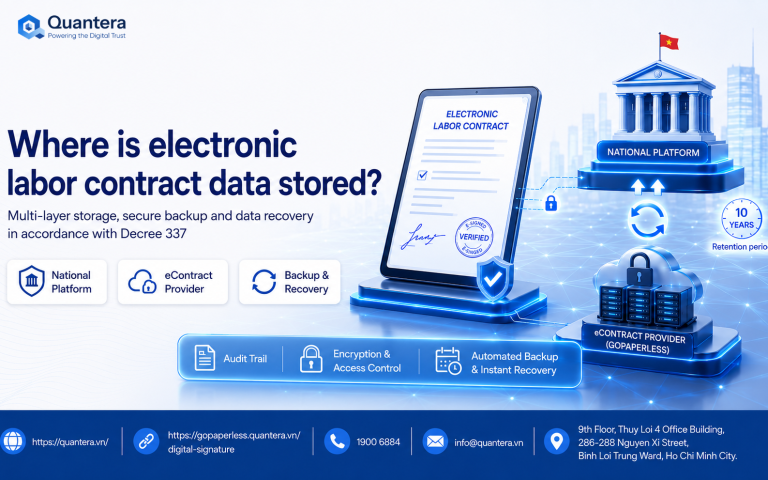
Once the process has been digitized, the next issue is not simply completing the signature process, but also determining where contracts, transaction evidence, and post-signing data will be stored.
5. When Should You Review the Feature List?
Only after determining the appropriate deployment model.
At that point, the feature list becomes truly meaningful. Enterprises can compare criteria such as:
- Workflow configuration capabilities
- Contract template management
- Bulk signing
- Access control
- Audit trail
- Storage and retrieval
- Integration capabilities
- User experience
If the enterprise has not clearly determined where eContract should be used within its operating process, reviewing the feature list first can easily result in wasted time and repeated implementation costs.
6. Conclusion
The most effective way to choose electronic contract software is not to see which provider offers more features, but to determine whether the solution fits the systems the enterprise already has.
- If the enterprise still operates through fragmented Word, Excel, and Email processes, prioritize a deployment model that is quick and easy to use.
- If the enterprise already has HRM, ERP, or CRM, prioritize an eContract solution with integration capabilities.
- If users still process documents directly, choose a solution that minimizes changes to their daily operations.
With this approach, GoPaperless from Quantera is suitable because it can support different deployment needs rather than forcing every enterprise into a fixed model.
In addition, besides technology, enterprises should also note that electronic contracting is not simply a matter of converting a paper contract into a PDF file.
The 2023 Law on Electronic Transactions is the general legal framework governing electronic transactions in Vietnam, including provisions related to data messages, electronic signatures, and the conclusion and performance of electronic contracts.
Therefore, when choosing electronic contract software, integration capabilities should be considered alongside requirements for data integrity, authentication, and the retention of transaction evidence.
👉 Join Q&A – Human Resources, Labor and Payroll Community now to discuss real-world implementation scenarios, ask questions about system integration, and work with the Quantera team to address challenges during the digital transformation process.
7. Frequently Asked Questions
If an enterprise already has HRM, does it need to replace HRM to use eContract?
Not necessarily. If HRM is already the system used to manage HR data, the enterprise should choose an eContract solution that can integrate into the existing process rather than replacing the entire system.
When should an enterprise choose Portal instead of API integration?
Portal is suitable when the enterprise does not yet have a clear central system, wants to deploy quickly, or wants to standardize the process before investing in deeper integration.
If employees are only familiar with Word/PDF, should the enterprise still implement eContract?
Yes. However, the enterprise should choose a deployment approach that allows users to work in a way that is close to their current habits in order to increase practical adoption.
See 36 more frequently asked questions and answers about electronic employment contracts and GoPaperless to learn more about legal requirements, operations, data, and implementation options.
Community Discussion